E-Commerce Store Ki Product Images Ko Ek Click Me Kaise Optimize Aur Resize Karein?
By pdfto Editorial
•
Published on Aug 22, 2026
Hey e-commerce owner dost! Agar tum apna online store chalate ho, toh ye baat acche se jaante hoge ki slow website sales ko khatam kar deti hai.
Product images ka size agar heavy hoga (jaise direct camera se 3MB-5MB ki photo), toh customers site load hone se pehle hi chorr kar bhaag jayenge. Hum sabhi images ko ek-ek karke resize karne baithenge toh din nikal jayega. Iska hal hai—Bulk Optimization!
Product Images Optimize Kaise Karein:
- Step 1: Batch Taiyar Rakho
Apne computer me product photos ko ek folder me collect kar lein. - Step 2: Bulk Optimizer Par Jao
Hamare Bulk Product Image Optimizer page par jao. - Step 3: Upload Photos
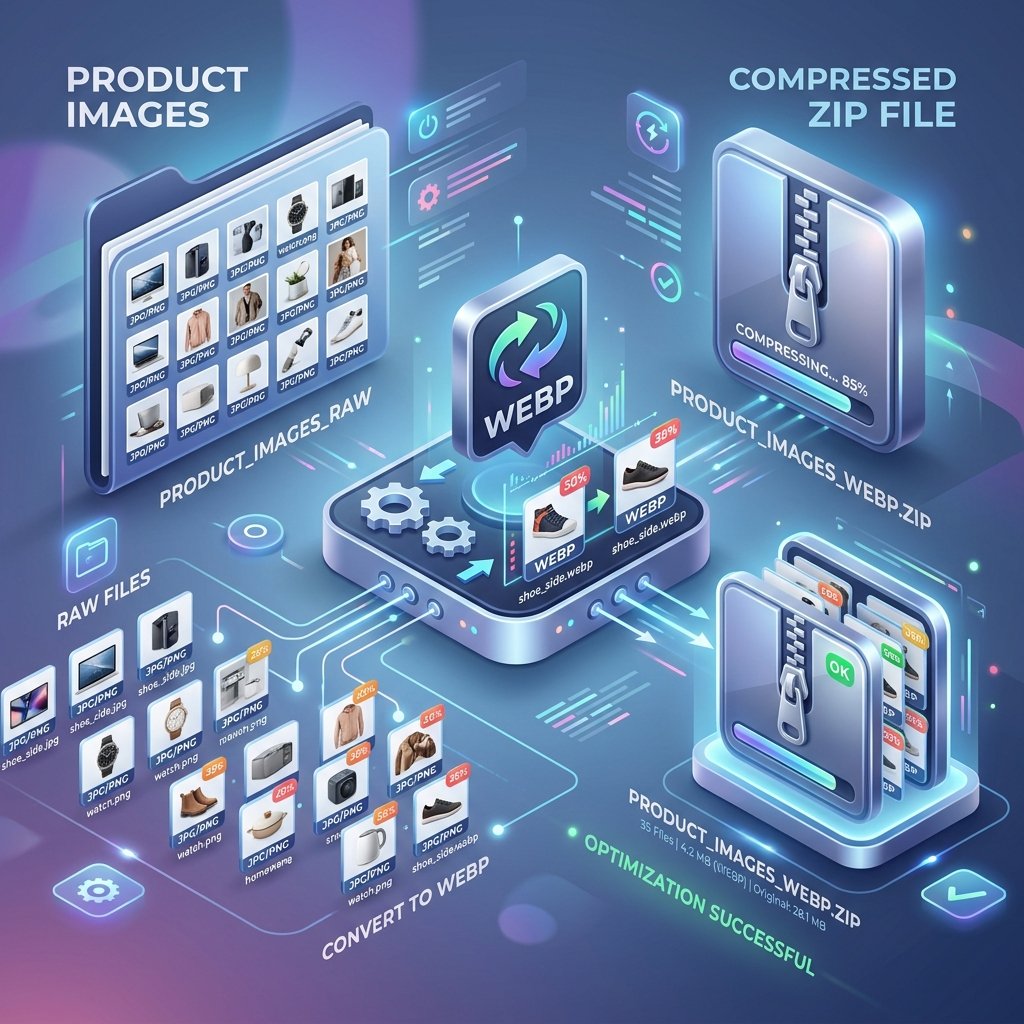
Saari images ko select karke drag & drop karo (Premium user max 50 images ek sath kar sakte hain). - Step 4: One-Click Settings & Convert
Select karo auto-resize to 1200x1200px (standard square format for stores), convert to WebP (speed optimization), aur click compress. - Step 5: Download Zip
Kuch seconds me poora folder optimize hokar ZIP file me mil jayega. Download karke apne store par direct upload kar do!
WebP Kyun Zaroori Hai?
WebP ek modern image format hai jo PNG/JPG ke mukable 30% chota size deta hai bina quality kharab kiye. Isse website fast load hoti hai aur SEO score badhta hai!
Apne business ko boost karo aur fast site se customer experience sudharo. Good luck!