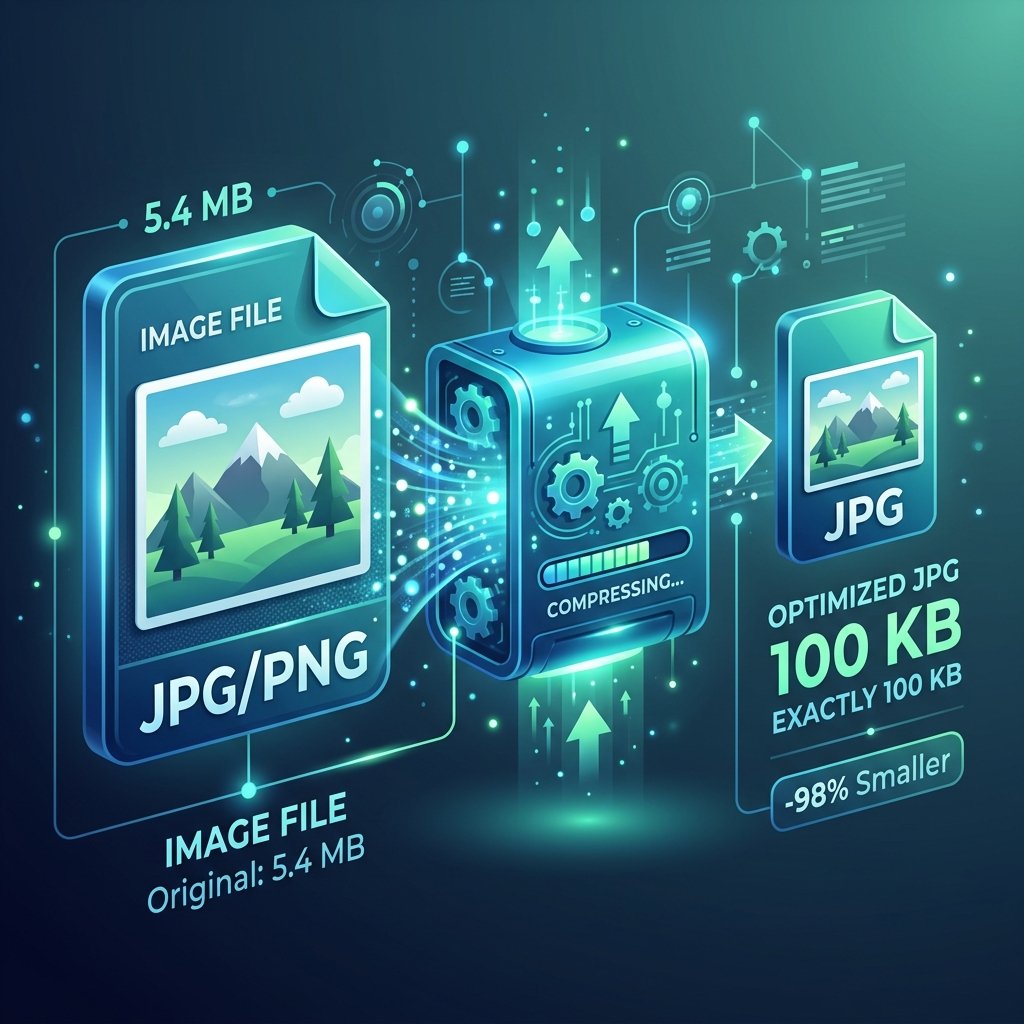
How to compress an image to exactly 100KB
Many online application portals, especially government forms, passport applications, and job boards require you to upload images under 100KB. Here is the ultimate step-by-step guide to achieving this without losing important details.
Step 1: Choose the Right Compression Tool
Using an online target-size compressor is the easiest method. Simply upload your image, select "Target size: 100KB" and let the compression engine analyze and compress the visual parameters automatically.
Step 2: Balance Quality and Resolution
If you are adjusting settings manually, remember that resolution plays a major role. An image taken at 4000x3000 resolution cannot be squeezed into 100KB without looking extremely pixelated. Downscale the image dimensions first (to around 1200x900 pixels), then apply JPEG compression at 70% to 80% quality.
Step 3: Keep the File Format as JPG
For photos, JPEG/JPG format is highly recommended over PNG. PNG uses lossless compression which maintains perfect quality but yields a much larger file size, making it extremely difficult to hit the 100KB limit.
Quick Tip:
If your image is slightly above 100KB, try cropping out unnecessary borders. This reduces raw pixel data and immediately shaves off several kilobytes.