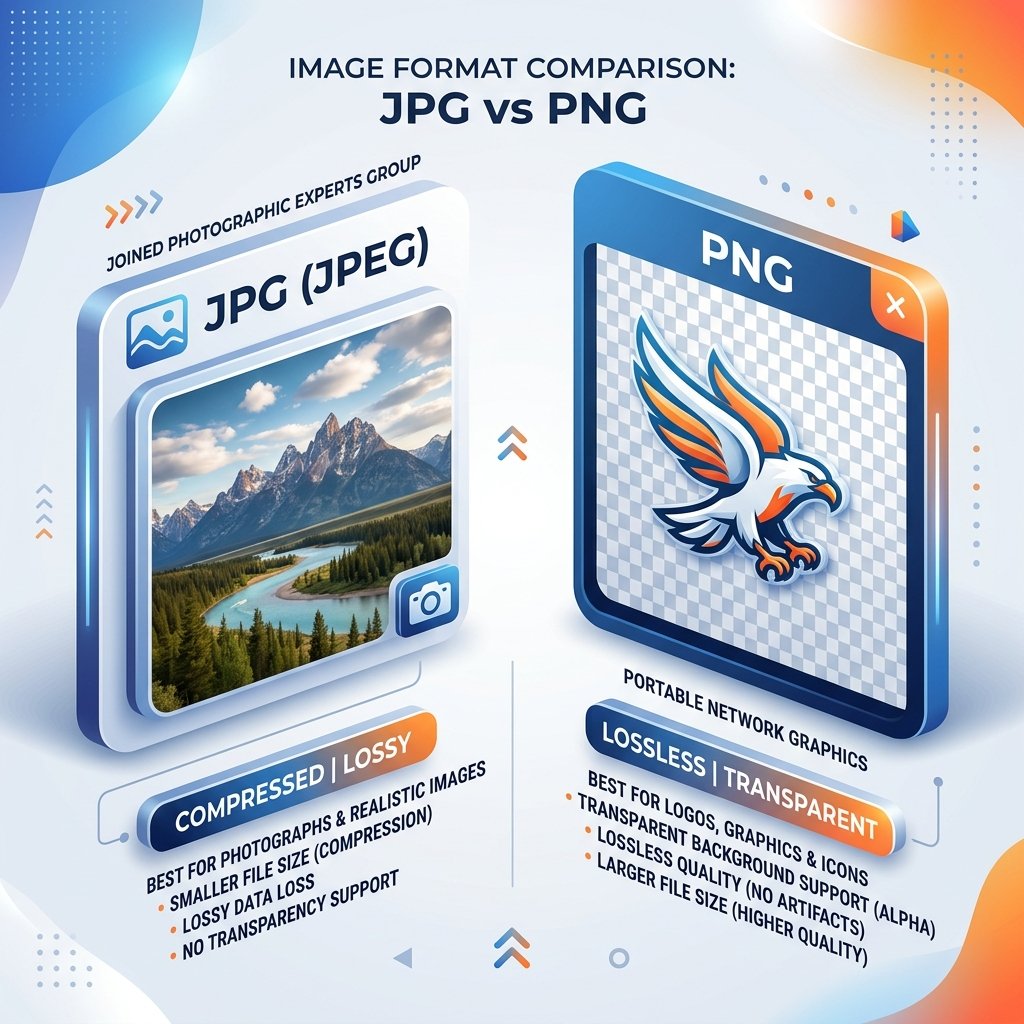
JPG vs PNG: Which format should you use?
Choosing between JPG and PNG depends entirely on what the image contains and how you plan to use it. Selecting the wrong format can lead to bloated websites or blurry logos.
JPEG / JPG (Joint Photographic Experts Group)
Best for photographs and realistic images. JPG uses lossy compression, meaning it discards some pixel details to achieve small file sizes. It does not support transparent backgrounds. Because it handles millions of colors smoothly, it is the standard for web photos.
PNG (Portable Network Graphics)
Best for logos, illustrations, icons, graphics, and text screenshots. PNG is lossless, maintaining perfect pixel clarity, and supports transparent backgrounds. However, because it keeps all data intact, PNG files are significantly larger than JPGs.
Comparison Summary
- Transparency: PNG supports it; JPG does not.
- Compression: JPG is lossy (smaller size); PNG is lossless (larger size).
- Best Use Case: Use JPG for photos and camera shots; use PNG for web graphics, brand logos, and illustrations.
Recommendation:
If you are uploading product photos to an e-commerce website, convert them to JPG or WebP. Using PNG for product galleries will slow down your page speed and hurt your Google Search ranking.