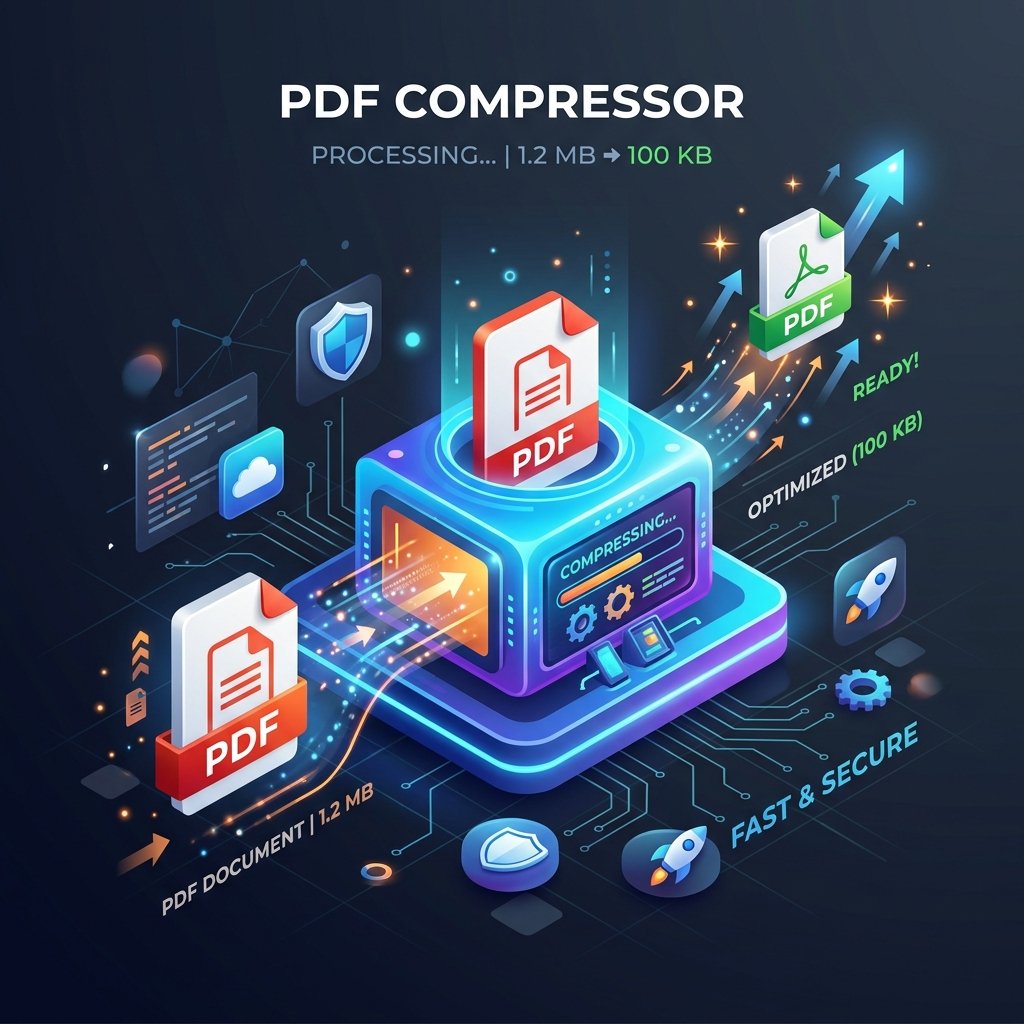
Sarkari Form Ke Liye PDF 100KB Kaise Karein? (Step-by-Step Guide)
Hey dost! Kya tum bhi kisi government job, college admission, ya passport form ko bhar rahe ho aur wahan upload ke time likha aa gaya: "PDF size should be less than 100KB"?
Chinta mat kar, ye problem har dusre bande ko aati hai. Aaj tera bhai tujhe ekdum simple tarika batayega jisse tum 2 minute me apni PDF ko bina quality kharab kiye 100KB ke andar kar loge. Kisi app ko install karne ki bhi zaroorat nahi hai!
Hum Kaunsa Tool Use Karenge?
Hum use karenge pdfto's Compress PDF to 100KB tool. Ye bilkul free hai, isme koi watermark nahi aata, aur privacy ke mamle me number 1 hai (files 1 ghante me delete ho jaati hain).
Step-by-Step Guide: PDF Ko Chota Kaise Karein?
- Step 1: Website par jao
Sabse pehle apne mobile ya laptop me Compress PDF to 100KB page open karo. - Step 2: File Select Karo
Wahan page par "Select PDF" button dikhega. Uspar click karke apni heavy file ko upload karo (ya direct drag aur drop karo). - Step 3: Compression level settings
Hamara smart tool automatically inspect karega aur file ko maximum compress karega bina readability (likhaawat) kharab kiye. Aapko bas convert/compress button par click karna hai. - Step 4: Download Kar Lo
Kuch hi seconds me processing khatam ho jayegi aur screen par new size dikhegi. Download button dabao aur file save kar lo!
Tera Dost Bole Toh Pro Tip:
Agar PDF scan ki hui hai, toh scanning ke time scanner resolution ko 150 DPI par set kiya karo. Isse file pehle se hi choti banti hai aur compress karne par bilkul clear rehti hai!
Ab jao, fatfat apna form complete karo aur job ke liye all the best! Agar koi aur dikkat ho, toh comments me jarur pooch lena.