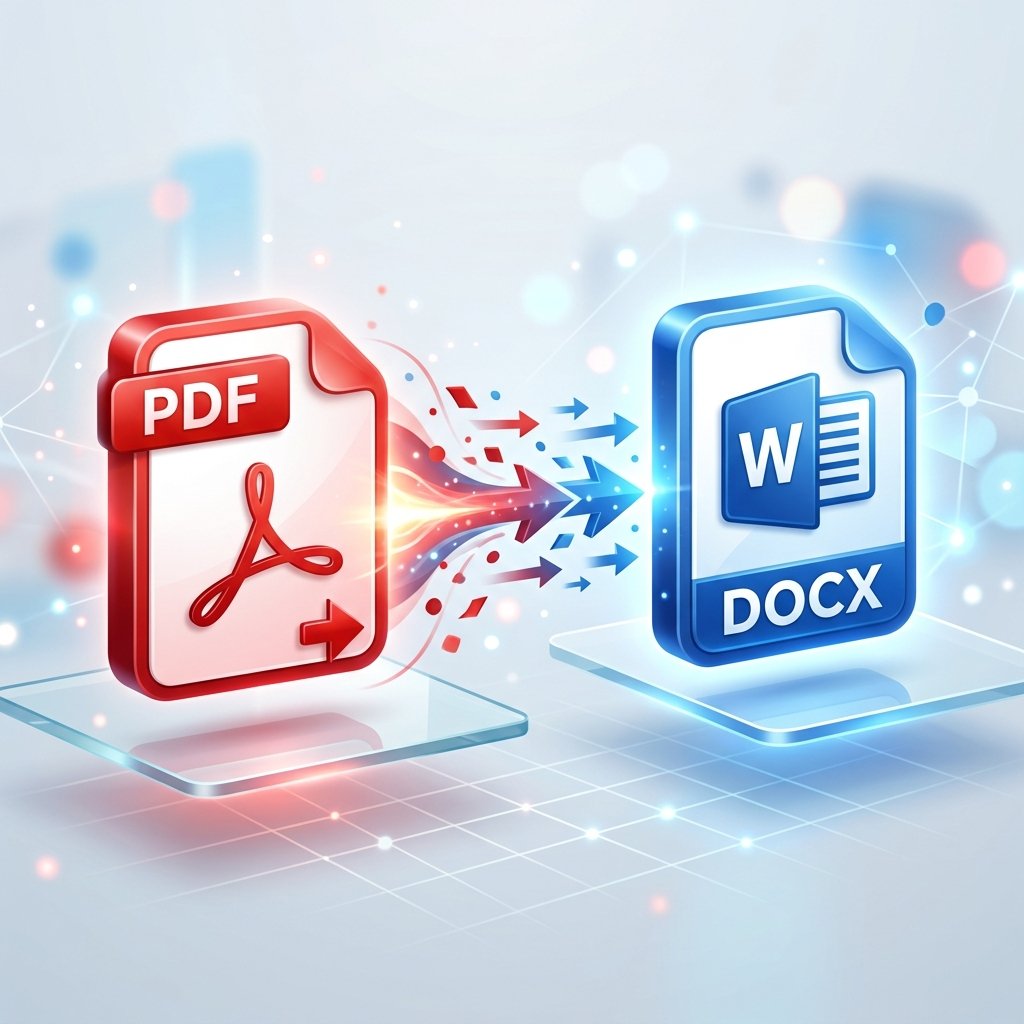
PDF File Ko Editable Word Document Kaise Banayein?
By pdfto Editorial
•
Published on Aug 22, 2026
Bhai, PDF file ka sabse bada fayda hi yahi hai ki use easily koi edit nahi kar sakta. Par dikkat tab hoti hai jab hume khud usme koi changes karne ho! 😅
Aise me sabse simple tarika hai ki PDF ko Word document (.docx) me badal liya jaye, edit kiya jaye, aur phir wapis PDF bana liya jaye. Aao sikhaata hoon kaise:
PDF to Word Kaise Karein (Step-by-Step):
- Step 1: PDF Select Karo
Hamare PDF to Word page par jao. - Step 2: File Upload Karo
Jis PDF ko edit karna hai, use upload karo. - Step 3: Conversion starting
Hamara system automatic text layers aur tables ko select karega aur use standard Word structure me convert karega. - Step 4: Download & Edit
Word file download karke MS Word ya Google Docs me open karo, changes karo aur save kar lo!
Tera Dost Bol Raha Hai:
Agar aapki PDF scanned image se bani hai, toh pehle OCR tool use karein taaki text extract ho sake. Normal PDF files direct convert ho jati hain!
Bolo, tha na simple? Apne documents ko edit karo aur life simple banao!